NotebookLM is brilliant for chatting with documents, but it has one stupid limitation: you can't feed it a YouTube channel. You paste one video at a time, with a 50-source cap, and most channels have hundreds.
So I built youtube-to-notebooklm — a tiny CLI that turns any channel into a folder of clean Markdown files that drag straight into NotebookLM.
@channel  →  yt-dlp lists every upload
          →  transcripts pulled (no API key)
          →  packed into NotebookLM-ready Markdown
          →  drag-and-drop into your notebook
Two output flavours:
bundles/*.md— many videos packed per file (≤450k words) so a 200-video channel becomes ~3-4 NotebookLM sources, not 200.videos/*.md— one file per video. Slower to upload, but every NotebookLM citation links back to a single video.
Install
git clone https://github.com/melyx-id/youtube-to-notebooklm.git
cd youtube-to-notebooklm
pip install -r requirements.txt
Or install as a CLI:
pip install -e .Requires Python 3.9+. No API key.
Use it in 3 steps
1. Run the tool
# By channel handle
python main.py https://www.youtube.com/@veritasium

# By @handle
python main.py "@lexfridman"

# By playlist
python main.py "https://www.youtube.com/playlist?list=PLrAXtmRdnEQy..."

# Quick test — first 10 videos only
python main.py @veritasium --limit 10
Output lands in notebooklm_export/:
notebooklm_export/
├── INDEX.md          # which videos had transcripts
├── data.json         # structured data for your own pipelines
├── videos/*.md       # one file per video
└── bundles/*.md      # packed bundles for NotebookLM
2. Drag into NotebookLM
- Open NotebookLM and create a new notebook.
- Click Add source → upload
bundles/*.md(fewer files, full coverage). - Wait ~30 seconds for indexing.
3. Ask, summarise, generate
- Ask in any language — NotebookLM translates on the fly.
- From the Studio panel, generate Audio Overviews (two-host podcast), Mind Maps, or Study Guides.
- Need precise per-video citations? Upload
videos/*.mdinstead of bundles.
Useful flags
| Flag | Default | When to use |
|---|---|---|
-o, --out DIR | notebooklm_export | Change output directory. |
-l, --languages en,vi | en,vi | Transcript fallback chain. |
--limit N | all | Quick test or large-channel chunking. |
--no-bundles | off | Skip the packed bundles. |
--no-per-video | off | Skip per-video files. |
--quiet | off | Hide banner / footer. |
Programmatic use (Python)
from yt2nlm.fetcher import build_video, list_channel_videos
from yt2nlm.exporter import write_bundles
from pathlib import Path

entries = list_channel_videos("@veritasium", limit=20)
videos  = [build_video(e, languages=["en", "vi"]) for e in entries]
write_bundles(videos, Path("out/bundles"))
Useful when you want to plug it into your own RAG / content pipeline rather than upload to NotebookLM.
Honest caveats
- Caption-only. Videos without auto or manual captions are skipped — see
INDEX.mdfor the missing list. - Big channels (>500 videos) — use
--limitand chunk by year to avoid YouTube rate-limiting. - Member-only or private videos aren't supported, by design.
- No translation. The tool grabs the original transcript. Let NotebookLM or your favourite LLM translate downstream.
Beyond NotebookLM
NotebookLM is great for Q&A. Once data.json exists, a much bigger world opens up:
- Bulk-summarise an entire 200-video channel in one pass.
- Auto-generate blog posts, X threads, or YouTube Shorts from old videos.
- Build your own RAG with pgvector or Qdrant.
- Run an agent that watches a channel and posts a weekly digest.
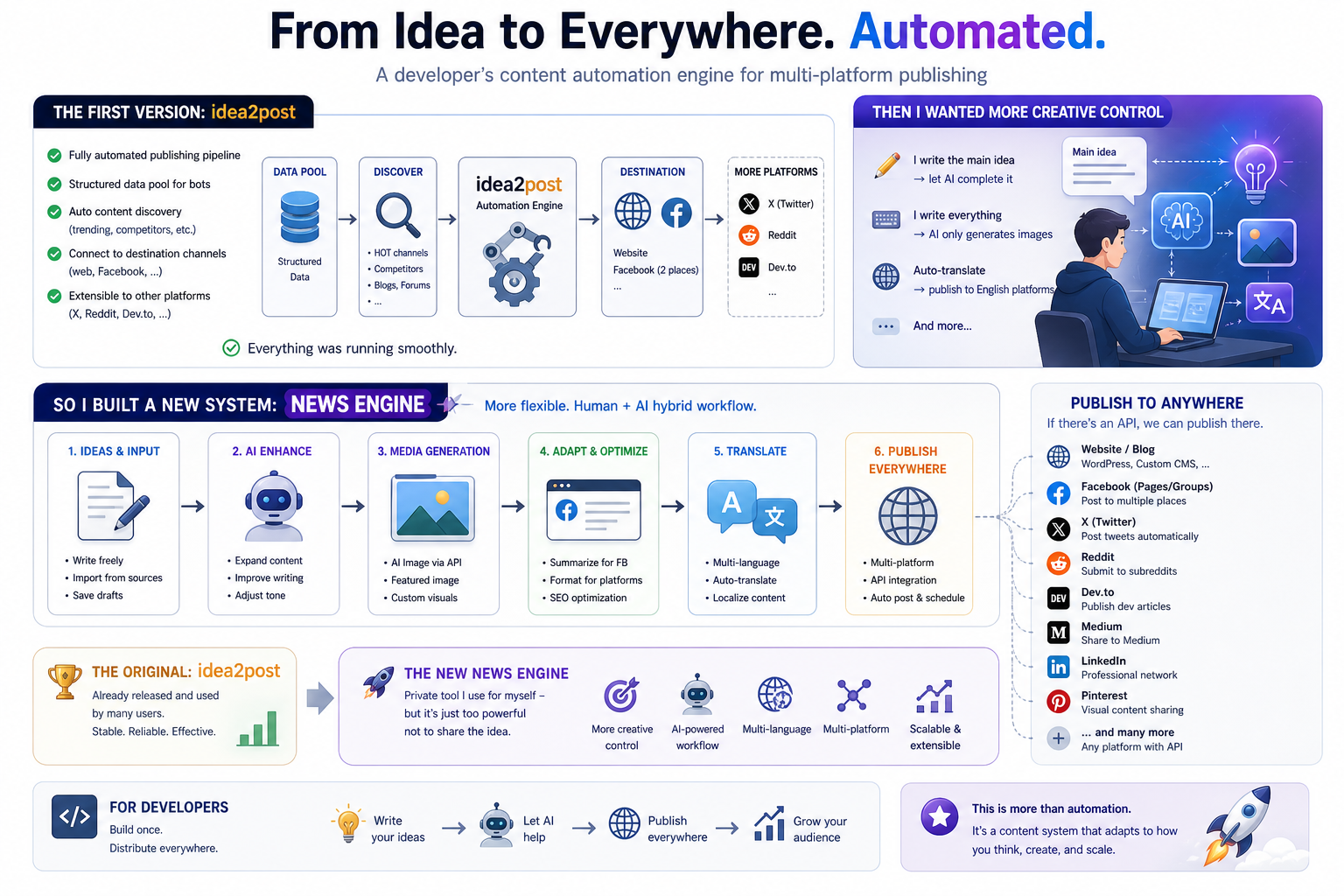
I run that pipeline through AIGateCloud — a multi-provider gateway with automatic fallback across OpenAI, Anthropic, Gemini, DeepSeek, and Groq. One API, never blocked by a single provider going down.
Cheatsheet
# Setup once
git clone https://github.com/melyx-id/youtube-to-notebooklm.git
cd youtube-to-notebooklm
pip install -r requirements.txt

# Run
python main.py @CHANNEL_HANDLE --limit 50

# Drag bundles/*.md into NotebookLM. Done.
Repo: github.com/melyx-id/youtube-to-notebooklm — MIT licensed. Stars and PRs welcome.