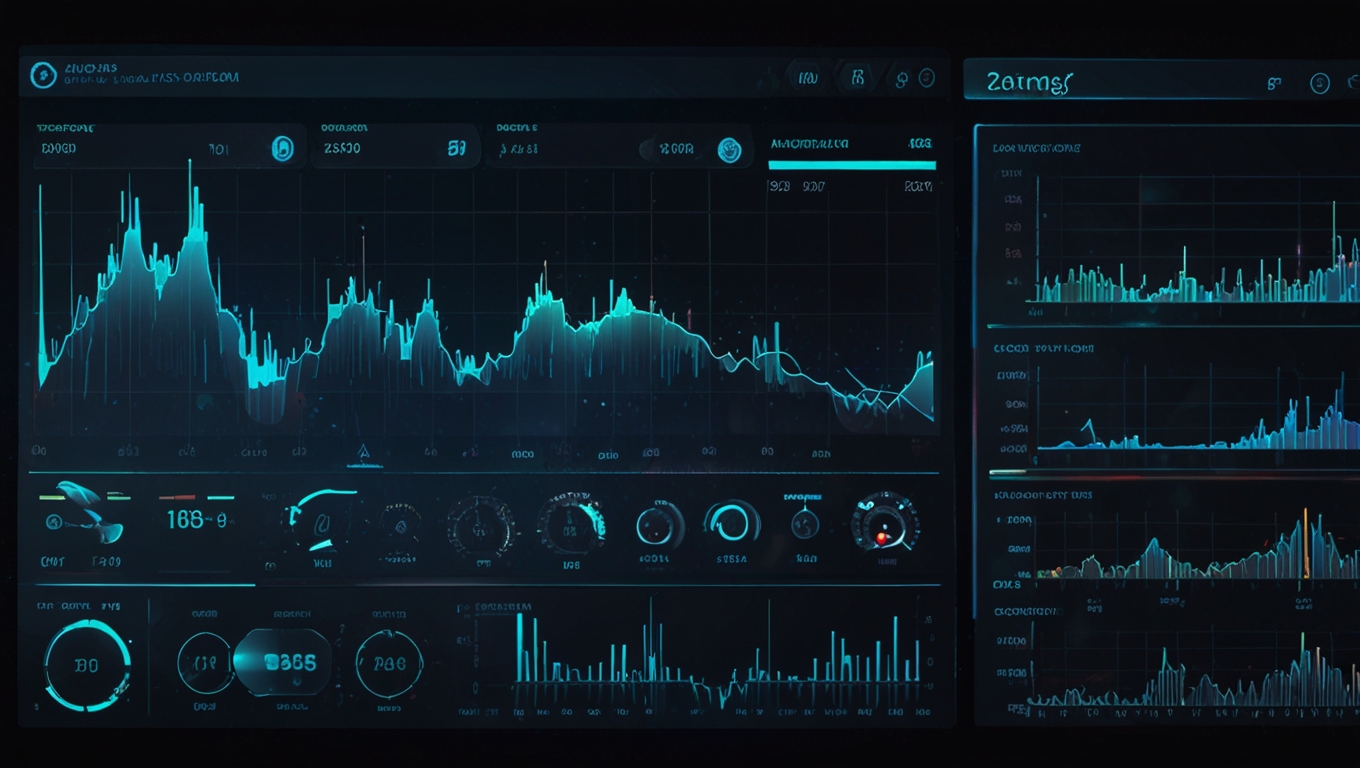
Most people still think dashboards require hours in Excel, Power BI, or some heavy coding stack.
That assumption is already outdated.
Today, the real skill isn’t building dashboards.
It’s knowing how to ask for one properly.
The Shift: From Doing to Directing
We’ve quietly entered a new phase of work.
You’re no longer the one constructing every chart, formula, or layout.
Instead, you’re directing a system that can do it for you—if you give it the right instructions.
The difference between a mediocre result and a professional dashboard often comes down to one thing:
The quality of your prompt.
Why Most People Get Poor Results
A common mistake is asking vaguely:
“Create a dashboard from this data.”
It sounds reasonable. It isn’t.
Without context, the output will be generic, shallow, and often unusable.
AI doesn’t “figure things out” the way people do.
It responds to clarity.
A Better Approach: Two-Step Prompting
There’s a simple but powerful method that changes everything.
Step 1 — Ask for the Prompt First
Instead of jumping straight to the dashboard, ask the system to:
-
Analyse your dataset
-
Understand the business context
-
Define the audience (e.g. executives, finance leads)
-
Propose structure, metrics, and visuals
-
Write a high-quality prompt for dashboard creation
You’re effectively outsourcing the thinking process.
Step 2 — Use That Prompt to Generate the Dashboard
Take the generated prompt and run it as a fresh request.
Now the system has:
-
Clear objectives
-
Defined KPIs
-
Structured expectations
-
A professional standard to follow
The result is dramatically better—often including:
-
Multiple visualisations
-
Interactive filters
-
Key business insights
-
Clean, shareable output (e.g. HTML reports)
Why This Works
Because you’ve moved from:
-
Vague instruction → Generic output
to:
-
Structured thinking → High-quality execution
You’re no longer guessing what to ask.
You’re letting the system define the best way to be used.
The Real Skill: Prompt Design
This is where the leverage is.
A strong prompt typically includes:
-
Role definition
(“Act as a senior data analyst…”) -
Context
(What the data represents, who it’s for) -
Requirements
(Number of visuals, interactivity, metrics) -
Clarity of outcome
(Simple, executive-ready, insight-driven)
The more precise you are, the more useful the result becomes.
What This Means for Modern Work
This isn’t just about dashboards.
It’s a broader shift:
-
From execution → orchestration
-
From manual work → structured thinking
-
From technical skill → communication skill
The people who benefit most aren’t necessarily the most technical.
They’re the ones who can think clearly, define outcomes, and communicate intent.
Final Thought
Tools will keep improving.
Interfaces will keep getting simpler.
But one thing will remain constant:
The quality of what you get depends on the quality of what you ask.
Learn to ask better—and you won’t just save time.
You’ll produce work that looks like it took a full team to deliver.
This article was AI-assisted and edited by Melyx.dev. All facts were verified against primary sources before publishing.